
Claude Code history viewer: search, export and resume
Use Sessions Viewer when you remember what a Claude Code conversation was about but not which JSONL file contains it. It groups local history by project, searches saved user prompts, replays supported tool results and can hand a session back to Claude Code. Install from the release page; this is an independent open-source app, not an Anthropic product.
Try counting or calculating before installing
Want to inspect usage first?
Claude Code cost calculator · Claude Code token counter
1. Find the project and the prompt
- Open Sessions Viewer, select Claude Code and choose the project's history view.
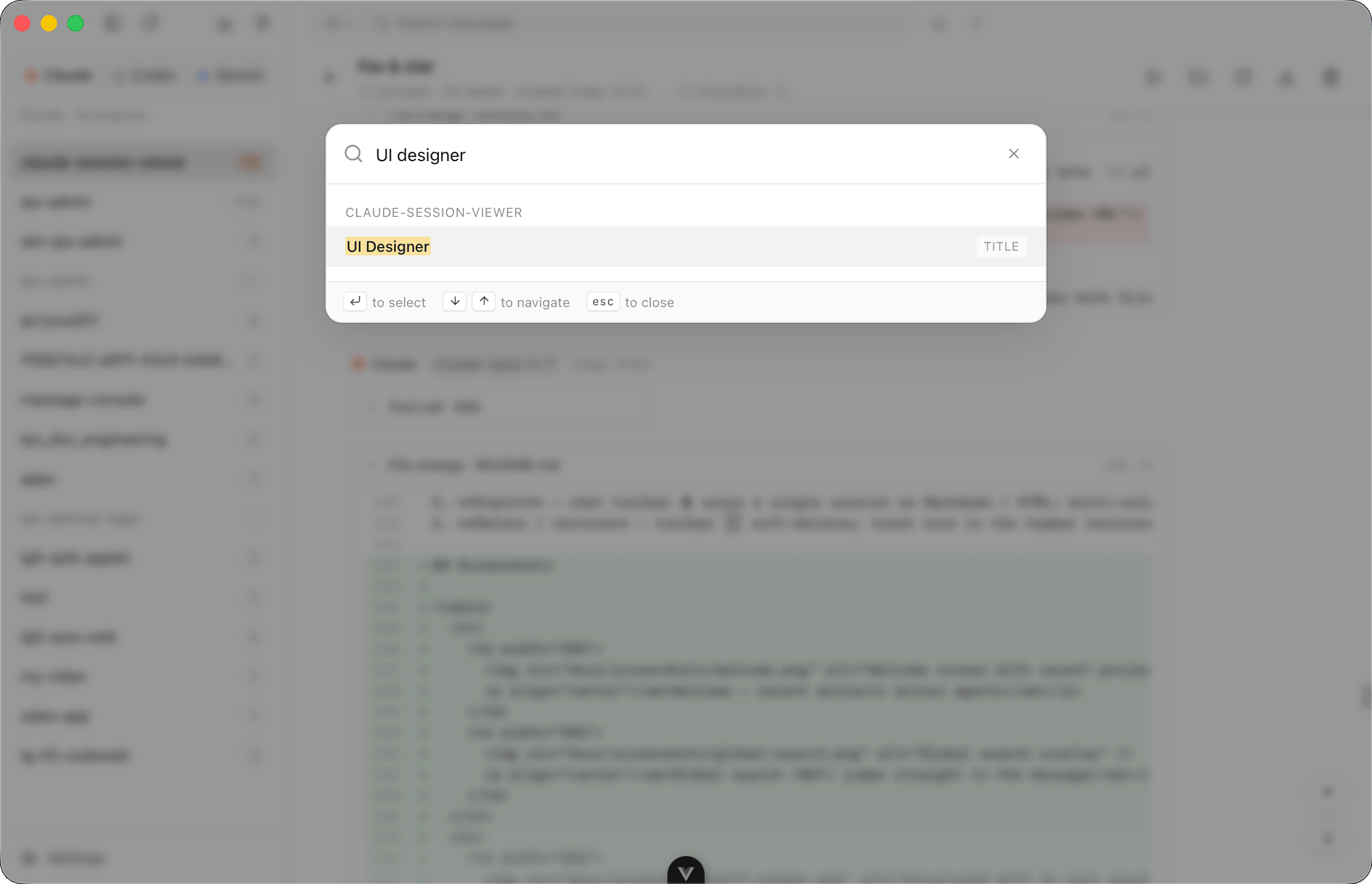
- Use global search (
⌘⇧Fon macOS) for a distinctive phrase from your saved user prompts, or search a session title/ID. Text matches open the matching user message; assistant answers and tool output are not global-search inputs. See search scope. - If you know the session but not the point in it, use the prompt list or in-view search (
⌘F). For other platforms, see shortcut labels.
Claude Code usually stores records under ~/.claude/projects/<encoded-project>/<uuid>.jsonl. File paths, message blocks and tool-result shapes are explained in the storage reference. If the project is missing, check the configured data root and missing-session checklist, not just the folder's encoded name.
2. Read the context before continuing
Inspect the user prompt, assistant answer and paired tool calls/results. Expand thinking only when needed. When a tool result includes structuredPatch, the viewer can render a diff rather than escaped JSON. Images and tools depend on what the source recorded; a plain-text extraction does not reproduce them.
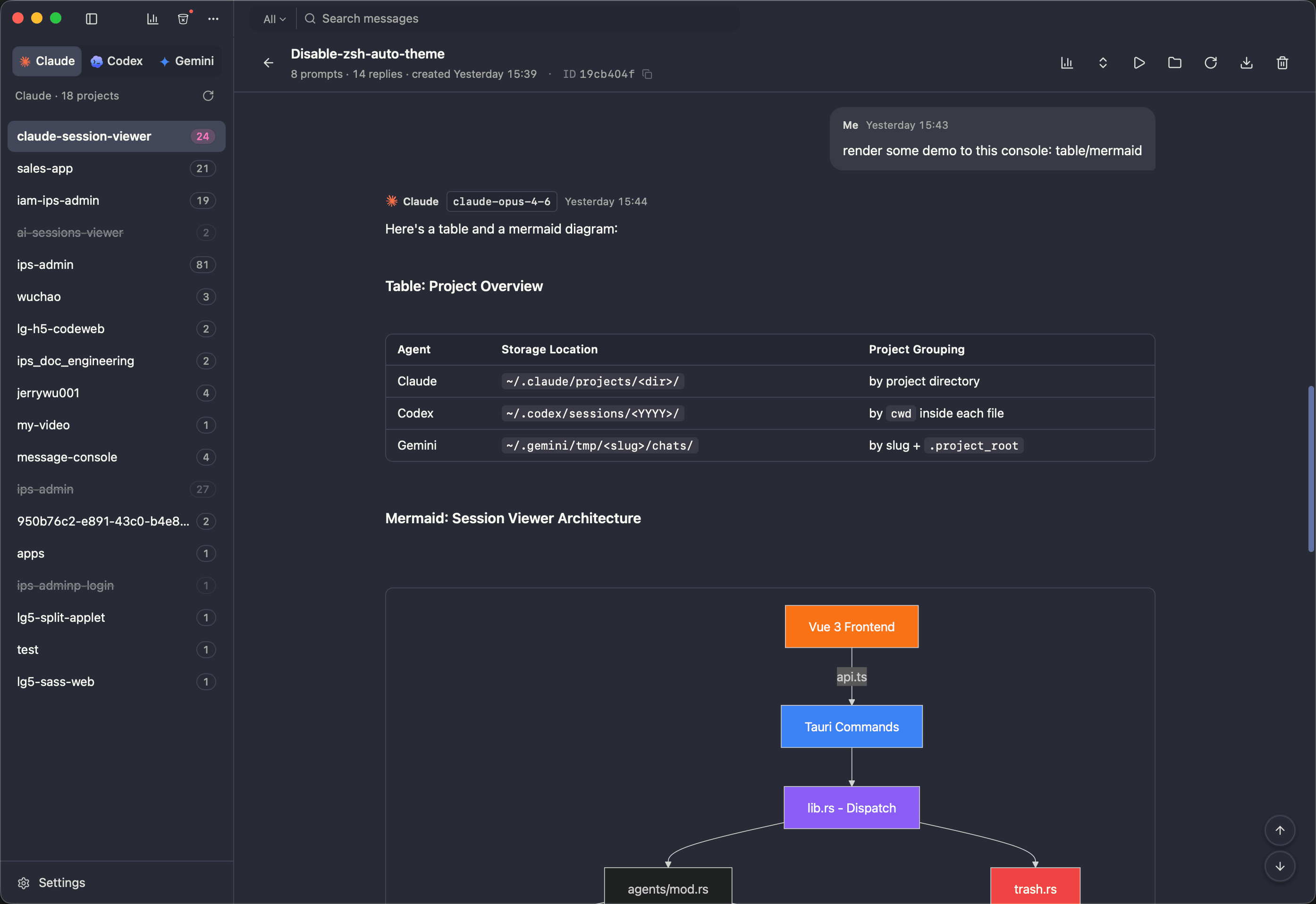
Reading and searching do not rewrite the original transcript. Renaming, trash/restore, project editing and continued chat are different operations; see data handling.
3. Export an answer, not a native-file backup
Use the session export action: Markdown for readable notes, HTML for a readable page, or JSON for parsed messages. Remote or unreadable images may remain external, so not every export is fully usable offline. Review the output before sharing: prompts, code, file paths and tool output can contain private data. The export is not a byte-for-byte backup of Claude's JSONL; retain native files if you need one. See export options.
4. Resume the existing work
In the project directory, the native CLI command is:
claude --resume SESSION_IDReplace SESSION_ID with the actual saved ID. Sessions Viewer can launch this in the embedded terminal or your selected external terminal, and supports Claude Code in-app chat. Install/configure/authenticate the CLI first; the app is not a replacement for a provider account. Continuing can contact the provider, write history and run tools. Check the project and permission settings before sending. See resume behavior.
Manual JSONL or a viewer?
| Task | Manual inspection | Sessions Viewer |
|---|---|---|
| Confirm one recorded field | jq is quick and transparent | Inspect rendered context alongside the message |
| Find an old prompt across projects | Find files and write filters | Global search and prompt navigation |
| Read tool use, results and patches | Join records by ID yourself | Paired tool results and supported diff rendering |
| Continue work | claude --resume with the saved ID | Terminal handoff or supported in-app chat |
For a safe command exercise, download the synthetic Claude sample and expected output. These samples are extraction fixtures, not real resumable sessions. The reference page has the jq filters.
When it does not work
- No session: check root settings, user account and whether the CLI actually saved a transcript.
- Missing image/tool/diff: inspect the original record shape; not every layout supplies the same fields.
- Resume fails: verify ID, project path, CLI installation/authentication and terminal configuration.
- Cost looks wrong: recorded usage and catalog prices are estimates, not invoices; see statistics.
Scope: source reviewed against 0.6.0 on 2026-10-05; no particular Claude Code CLI release was end-to-end tested in this documentation pass. See the evidence matrix.