
Reading and searching sessions
Sessions Viewer presents supported JSONL and opencode SQLite records as a readable conversation. It can show recorded messages, tools, reasoning, diffs and images when the adapter recognizes them. It cannot recreate missing records or reproduce the CLI screen exactly.
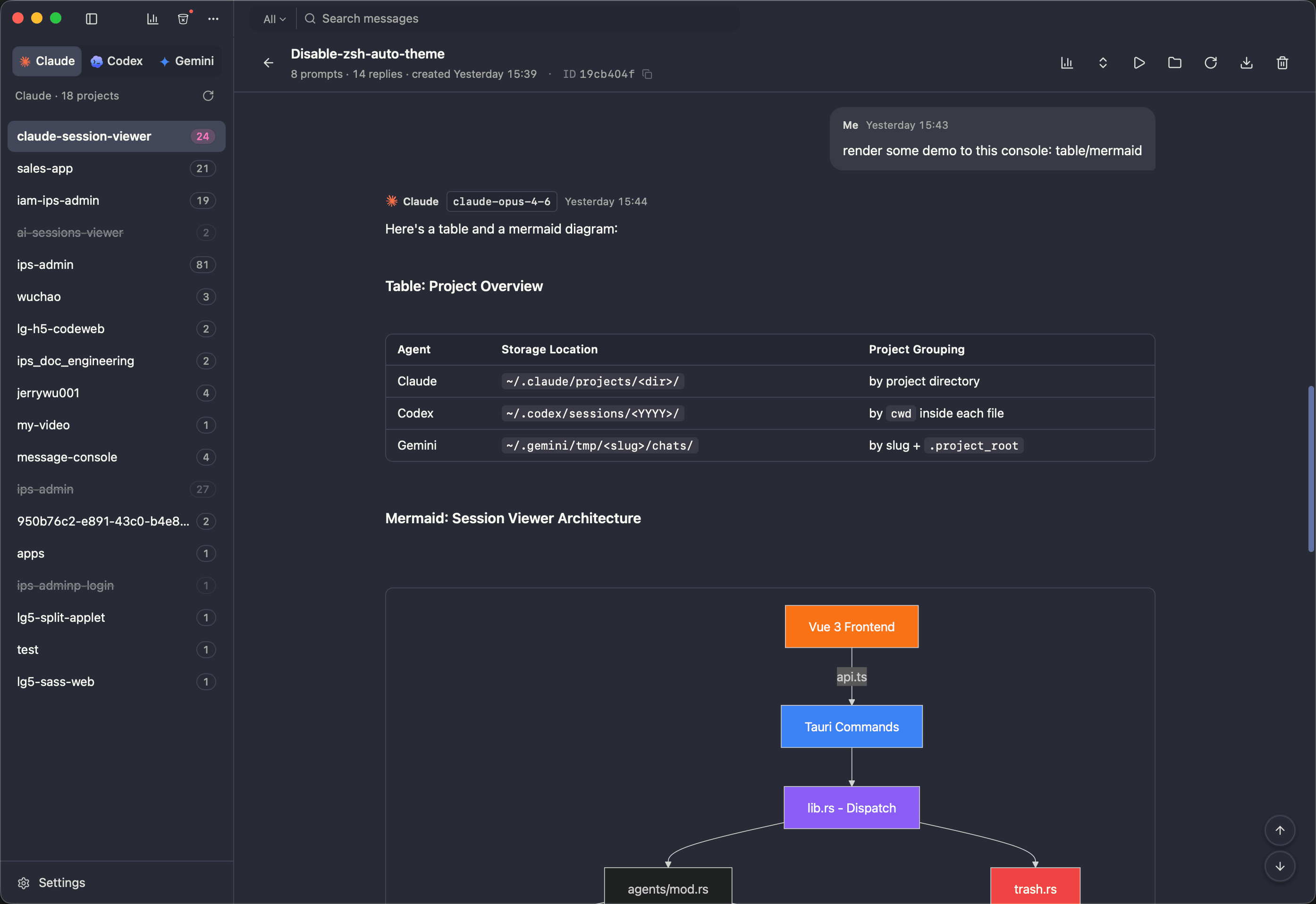
What gets reconstructed
Tool calls paired with their results
In the file, a call and its result are separate records, sometimes many lines apart, linked by an id. Shown apart they are unreadable. Shown together, you can see what the agent asked for and what came back.
Thinking blocks, collapsed until you want them
Recorded thinking is often longer than the answer. Supported blocks are folded, and you can expand it per message or for the whole session at once. Consecutive reasoning steps are grouped into one compact row. A global setting and per-session controls can hide reasoning independently of tool calls.
Diffs rendered as diffs
When a file-edit result carries structured patch data, it becomes a real diff with line numbers and syntax highlighting instead of a block of escaped text. The Claude Code page shows what that data looks like on disk.
Images back inline
Some agents store pasted screenshots as base64 and others as separate media files. Both render in place, in the message that contained them.
Mermaid diagrams, tables and math
Anything the agent emitted as Markdown is rendered as Markdown.
Finding a message
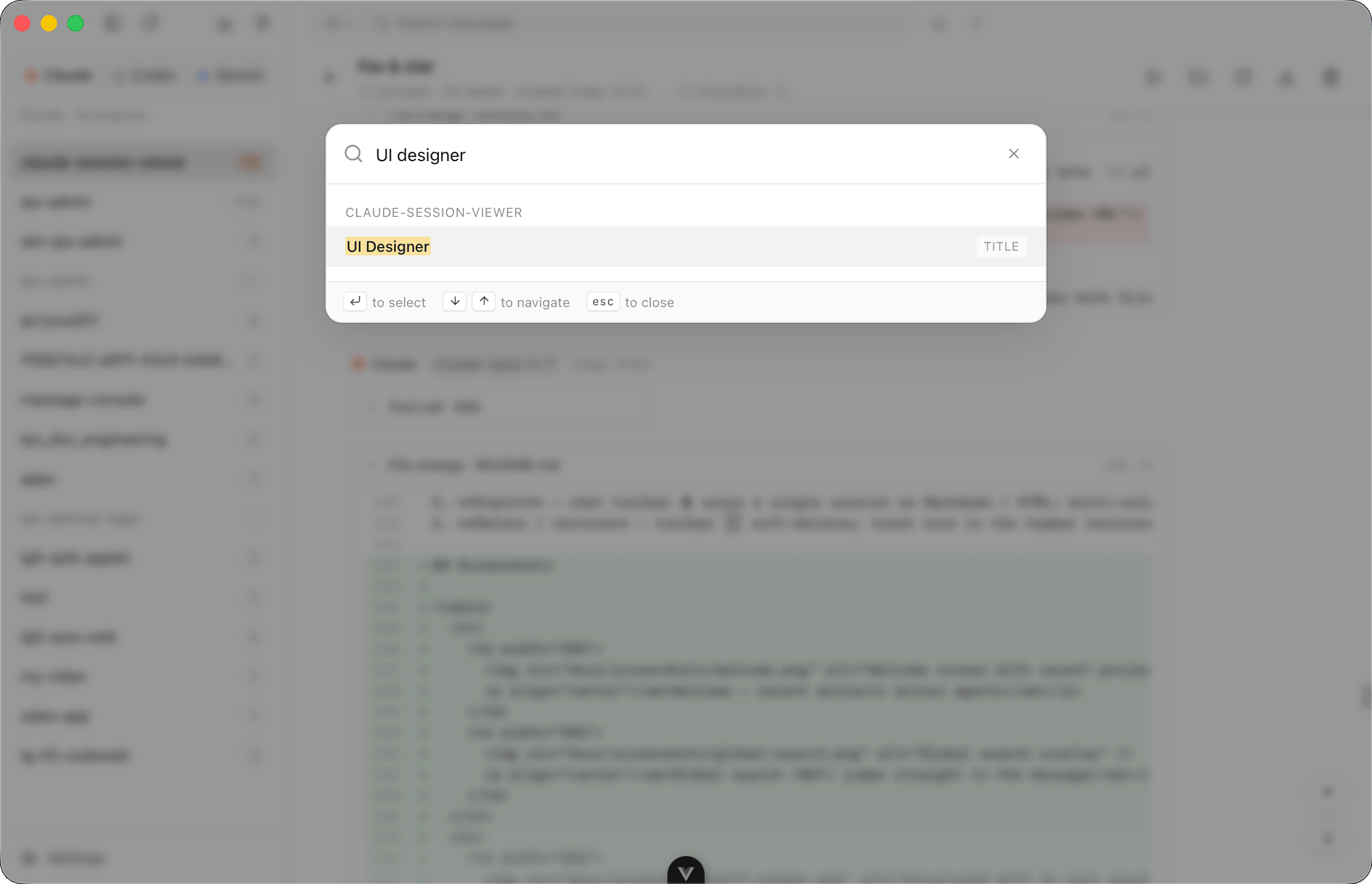
⌘⇧F opens global search across the currently selected agent's projects, not all seven agents at once. Keyword mode matches session titles and saved user-message text; switch to ID mode to find a session ID. Selecting a text match opens the session at the matching user message. Title/ID matches open the session without promising a text-message location.
Search scope and limits
Global search does not match assistant answers, thinking, tool arguments/results or project paths. Switch agents to search another source. The normal search excludes archived and trashed sessions; consult the Codex archive guide or trash view instead. The backend returns at most 200 matching sessions, and the modal renders at most 80. It is not an exhaustive full-text export.
The parser only presents supported, recorded fields. For example, opencode tool output over 30 lines is shortened with a remaining-line notice. Keep native files or the database for full archival needs; parsed-message export is not a native backup.
⌘F searches inside whatever is currently open, and ⌘G and ⌘⇧G step through the matches.
Jump to a prompt
Long sessions are mostly agent output. The prompt list strips all of it away and shows only what you typed, in order, as a compact list. It is usually the fastest way to find the moment a session went wrong. Pick one and the view scrolls to it.
Views history
Sessions you have read recently stay in a history list, per project, with search and favourites. Reopening yesterday's session does not mean finding it again. Session previews refresh when their source file changes; Pi previews use the latest user message.
Large Pi sessions
A Pi transcript opens with its most recent message page first. Scroll upward to load older messages as needed. Search, jump-to-prompt, global search and export still load the full history when they need it.
Nothing is written back
Reading and searching history do not rewrite the source transcript. Local settings and caches may be written. Rename, trash/restore, continued conversations and editing features have separate write behavior; see privacy and data handling.
Search and opencode display limits reviewed against Sessions Viewer 0.6.0 on 2026-10-06: search UI, command, search matching and opencode adapter. This is source review, not live CLI acceptance.