
Export and trash
Press ⌘E to export the open session directly as Markdown (Ctrl+E on Windows/Linux). To choose HTML or JSON, use the session's export menu. Export creates a local output file without publishing it. Deleting is a separate action that moves session data into restorable trash; inspect the export for sensitive content before sharing.
Export
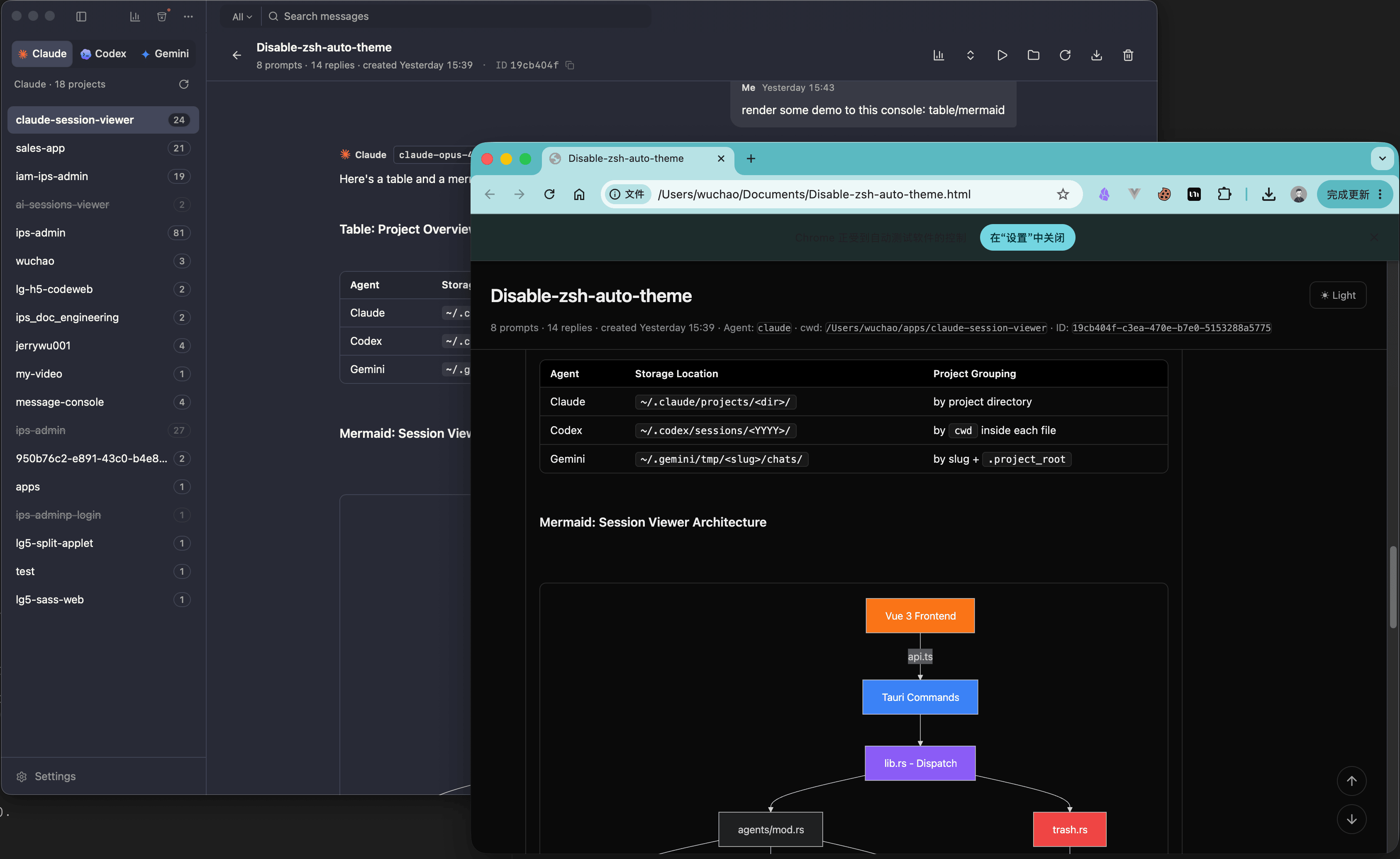
The export menu offers three formats; ⌘E is the Markdown shortcut, not a format picker:
| Format | Use it for |
|---|---|
| Markdown | Pasting into an issue, a pull request or a document |
| HTML | A browser-readable file with inline styles; image portability depends on its sources |
| JSON | Usually parsed messages and metadata; Pi uses a native-entry tree envelope described below. Neither is a byte-for-byte file backup |
What is different about Pi JSON?
Pi's JSON menu and batch export use the viewer-specific cc-session-viewer-pi-export envelope instead of the ordinary parsed-message envelope. It contains header, valid ID-bearing native entries from all recorded branches and selectedLeafId. This differs from Markdown/HTML, which render the selected conversation lineage.
It preserves native entry objects, not the original JSONL bytes: malformed lines and lines without recognized entry IDs are omitted, and it does not bundle external media or certify that Pi CLI can import the JSON envelope. Keep the original transcript and assets for archival needs. Reviewed on 2026-10-06 against Pi export, single/batch dispatch and file writing, not a real CLI round-trip test.
Can I read every image offline?
HTML embeds styles and readable local images, and uses the chosen light/dark theme. Embedded text, styles and images do not require a server. However, remote http(s) images stay external and may make requests when opened; they are not automatically downloaded. If a local image cannot be read (missing file or insufficient permission), its original path remains and can break on another machine. Markdown and parsed JSON have the same image-inlining limits.
Review the exported file before sharing. Keep source assets where needed; do not assume every image is portable or that external links never expire.
Batch export works the same way over a selection, and previous exports stay in a history list so you can find the file you made last week.
Trash
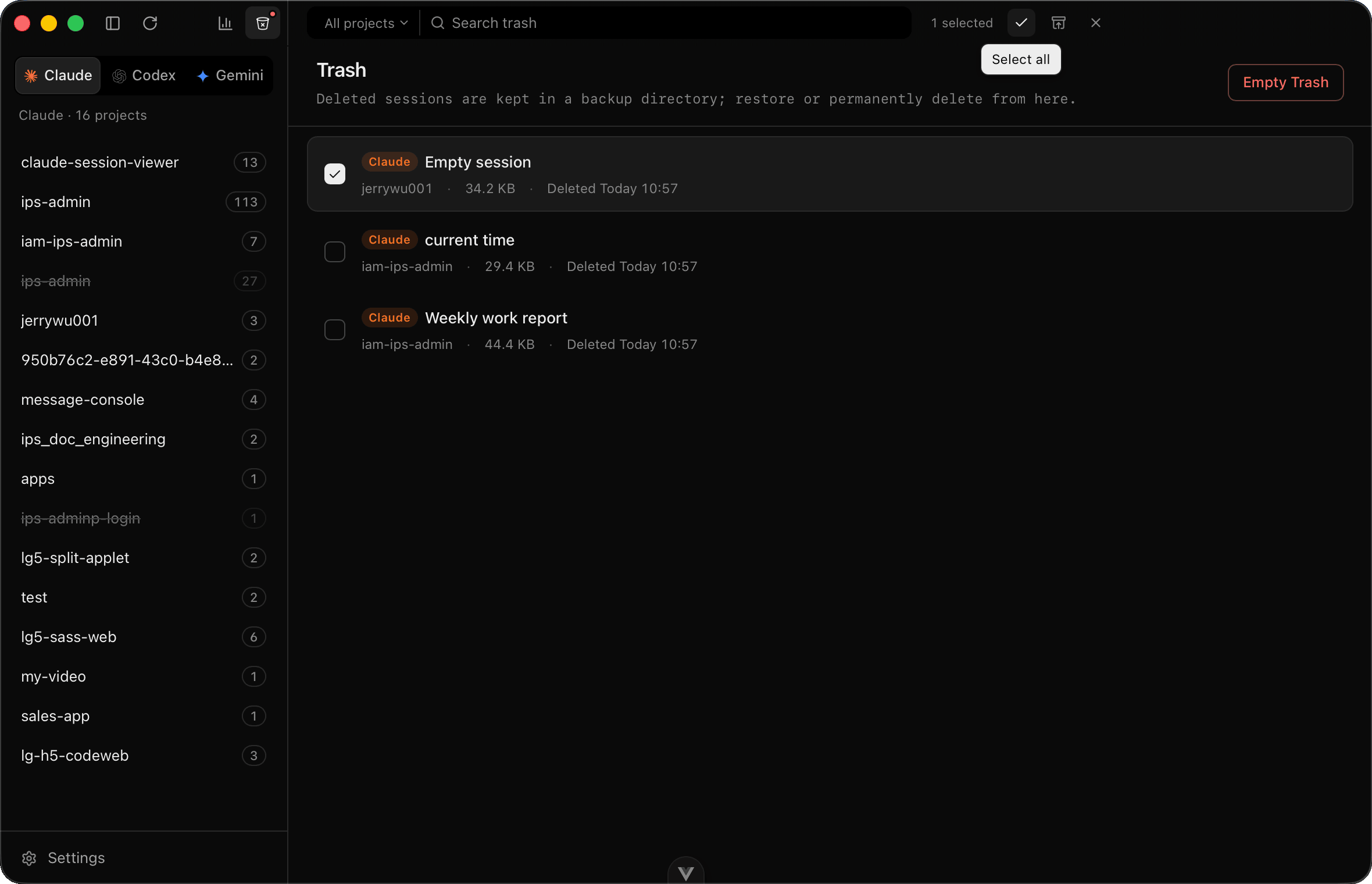
File-backed sessions move to a trash directory. For opencode, the app stores a restorable snapshot and removes the selected session rows from the database. This is an explicit data change, not read-only browsing.
⌘⇧T opens the trash. Everything in it shows which agent it came from, which project, and when it was deleted, and restore puts it back where it was. Restore refuses to overwrite a session that already exists at the destination.
One trash for every agent
The seven agents store sessions in seven different shapes: a single file for some, a whole directory for others, and a row in a SQLite database for opencode. The trash handles all of them through the same list, recording each entry's original path, agent, project and storage kind so it can be put back correctly.
That matters most for the directory-backed agents. Deleting a Grok Build session means moving an entire folder, including updates.jsonl, summary.json and the lock files, and restoring it means recreating that folder intact.
What does read-only mean here?
Reading, searching, exporting and analysing existing history do not rewrite the source transcript. Exported files, caches and preferences may be written locally. JSON saves the viewer's parsed message representation; keep the native files for a complete backup.
Rename, trash, restore, terminal/chat continuation, project editing and tool configuration are separate write operations. Clearing trash permanently removes retained data. Online continuation can send prompts and context to your configured provider; updates, prices and usage checks can also use the network.
See privacy and data handling for the boundaries, and resume commands for continuing a session.