
Resuming and continuing a session
With the matching CLI installed, resume a supported session from its project directory in the app's terminal. Claude Code and Codex also support in-app chat; the other five use terminal resume. See the per-agent command table.
Resume starts a CLI, not a read-only replay: it can write new history, call your configured provider and run permitted tools. Check privacy and data handling before continuing confidential work.
Where a session can reopen
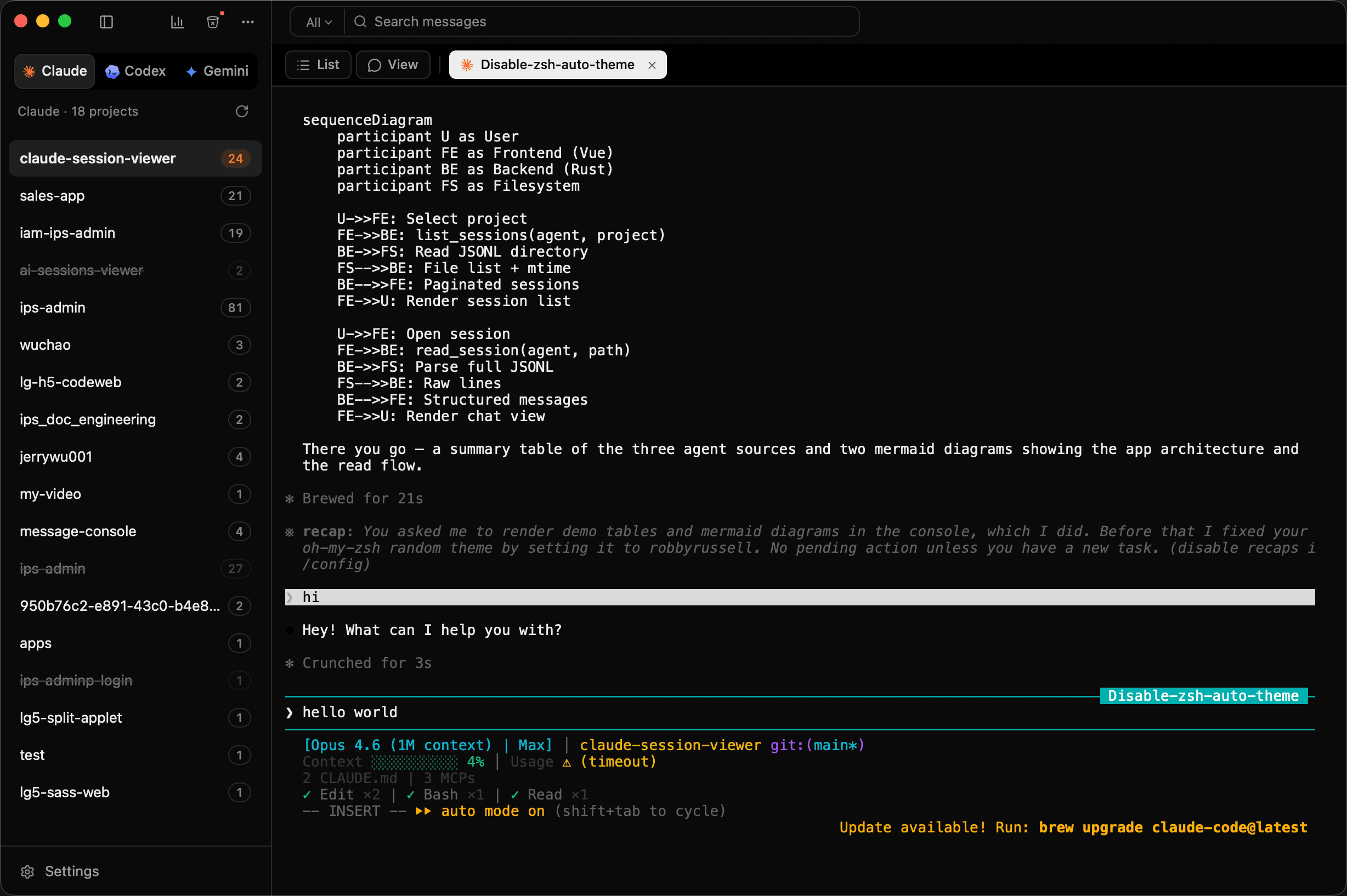
In the embedded terminal
A real PTY inside the app, in a tab next to the transcript you were just reading. There is no window switching, and the session you resumed sits beside the history you resumed it from.
In your own terminal
Terminal.app, iTerm2, Ghostty, Warp or cmux. The app changes into the project directory and runs that agent's own resume command, such as claude --resume or codex resume, so you end up exactly where the CLI would have put you.
cmux gets slightly different treatment. Sessions are matched to workspaces by working directory, so resuming reuses an existing workspace instead of piling up new ones.
Or keep going in the app
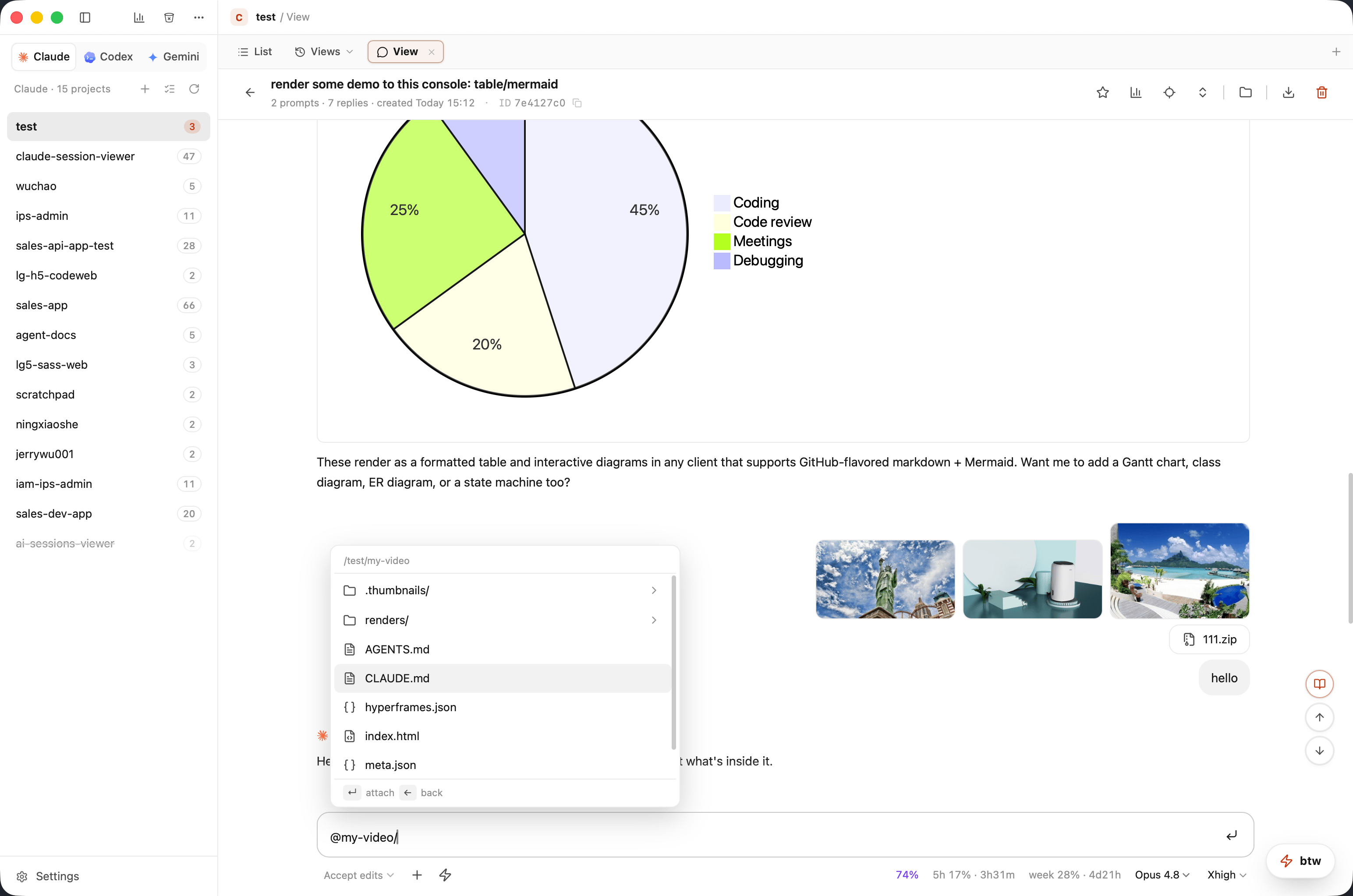
Claude Code and Codex sessions can be continued in the app's own chat. The settings that normally mean restarting the CLI with different flags are live controls here:
- Model, which you can switch mid-session
- Reasoning effort, including Opus Ultracode
- Permission mode, including an in-chat allow or deny prompt when the agent asks for something
You can @-mention files, attach images, and see Mermaid diagrams and tables rendered as you go. Slash commands work, including /fork, which branches the session into a copy without touching the original.
The model picker follows the available models and provider configuration. For Codex custom providers, models from the global config.toml appear with their configured IDs; new and resumed chats use the configured model and reasoning effort by default, while an explicit picker choice takes precedence.
The other five agents get history, resume, export and analysis, but not in-app chat.
Switch sessions without losing your place
The session navigator lets you find and switch to another session from the detail view. Open a session in the background to add it as a tab while keeping the current view in front. Going Back returns to the list without stopping a running in-app chat; reopen that session to restore it. Explicitly closing the chat stops it.
Shell tabs
Plain shell tabs open beside agent sessions in the project's working directory. The app saves tab metadata such as title and directory. After an actual app restart, opening a saved shell tab starts a new shell process; it does not recover the previous process, output or running npm run dev. Hiding/reopening a window while the app is still running is different from quitting and restarting it.
Launch arguments
Each agent can carry its own CLI flags, applied to both new and resumed sessions. --dangerously-skip-permissions is the obvious one. Flags are configured per agent in settings, so the ones you want for one CLI do not leak into another.